
Show sizes, milk choices, add-ons and prices clearly.
FOR YOUR BUSINESS
A QR coffee menu and review page for cafes
Share coffee, tea, bakery and seasonal menus from a page that is easy to update. Put your cafe's WhatsApp contact and public review link alongside the menu, so guests can ask about custom drinks or share feedback after a visit.
- Show sizes, milk choices, add-ons and prices clearly.
- Update seasonal drinks without replacing printed table cards.
- Collect public reviews from every customer while keeping private feedback open.
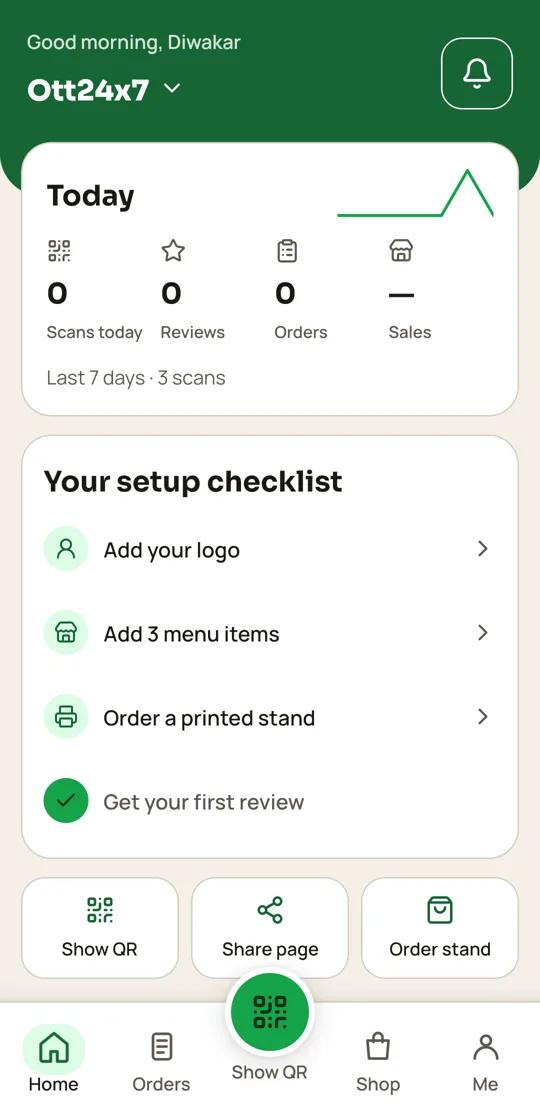 QR24x7 app
MADE FOR THE WAY YOU WORK
A QR page that fits your cafes
Update seasonal drinks without replacing printed table cards.
Collect public reviews from every customer while keeping private feedback open.
HOW IT WORKS
From your page to your customers
- 01
Build your drinks menu
Add categories, sizes, prices and extras your baristas currently serve.
- 02
Link your cafe
Set your WhatsApp number, hours, location and review URL.
- 03
Display the QR
Add a table stand or counter sign; NFC is an optional tap-to-open shortcut.
- 04
Refresh it often
Change seasonal items and review scan activity in the app.
PLAN FOR YOUR WORKFLOW
Starter plan
Includes digital menus and Google reviews, which match this page's workflow.
₹499 / startingView plan ↗
FAQ
Common questions
Can I list drink sizes and extras?
Yes. Add item details and prices to your digital menu so guests can browse before ordering.
Can I use one QR on tables and takeaway packaging?
Yes. The QR opens the same business page wherever you print or place it.
Will changing my menu change the QR?
No. The QR points to your page, so menu updates do not require printing a new code.
Can guests leave both public and private feedback?
Yes. Every guest can open your Google review link, and anyone can send private feedback too.
Set up a QR page for your cafes
Bring your menu, contact details and public review link together.
Start free ↗