
Share location, contact details and useful guest links.
FOR YOUR BUSINESS
A QR guest information and booking page for hotels
Give guests one mobile page for property details, directions, room or dining information, and a direct booking enquiry. Keep WhatsApp contact and public reviews easy to find, while your front desk confirms availability and rates.
- Share location, contact details and useful guest links.
- Let guests ask your team about rooms or services directly.
- Keep every guest eligible to open the public review link.
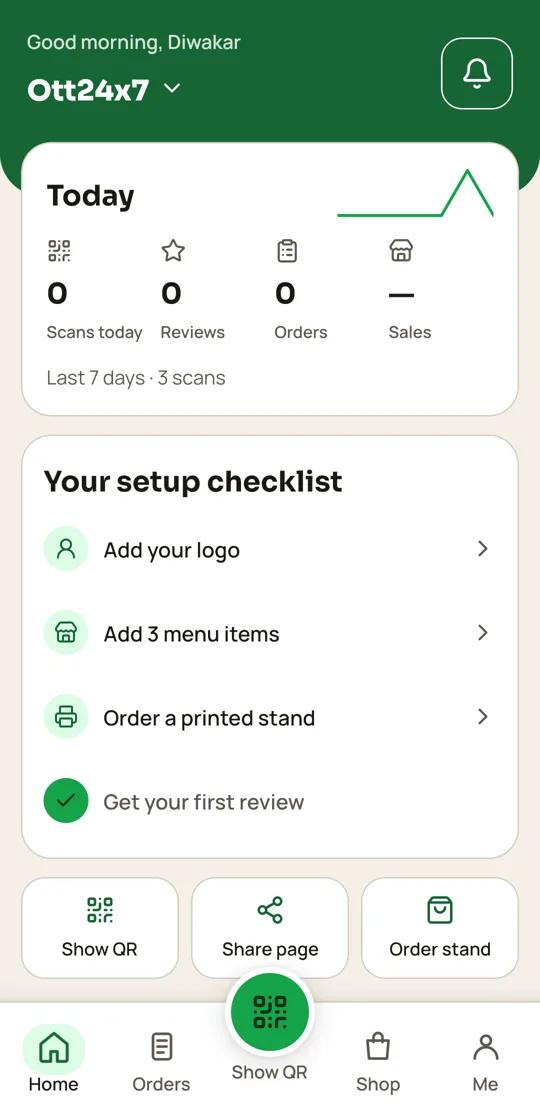 QR24x7 app
MADE FOR THE WAY YOU WORK
A QR page that fits your hotels
Let guests ask your team about rooms or services directly.
Keep every guest eligible to open the public review link.
HOW IT WORKS
From your page to your customers
- 01
Add property information
List your verified location, front desk contact, check-in notes and available guest services.
- 02
Link booking enquiries
Use the WhatsApp number monitored by reservations and explain what details to include.
- 03
Place QR signs
Use QR or NFC at reception, in dining areas or on printed guest information cards.
- 04
Keep details current
Update service links, hours and contact numbers as the property changes.
PLAN FOR YOUR WORKFLOW
Free plan
Includes Google reviews, which match this page's workflow.
₹0 / startingView plan ↗
FAQ
Common questions
Does QR24x7 manage room availability?
No. Guests can contact your booking team, which confirms room inventory and current rates.
Can I add directions and contact links?
Yes. Add your address, map link, phone and WhatsApp contact to the page.
Can guests use the QR without Wi-Fi?
Guests need an internet connection to load the page; the QR itself does not provide Wi-Fi.
Can all guests leave a Google review?
Yes. Every guest can open your public review link. Private feedback is another option.
Set up a QR page for your hotels
Bring your menu, contact details and public review link together.
Start free ↗