
Group services by treatment and show clear starting prices.
FOR YOUR BUSINESS
A QR service menu and booking page for salons
Help clients browse hair, skin and grooming services before they call. Show starting prices and the best way to request an appointment on WhatsApp; your team confirms availability and any consultation needs directly.
- Group services by treatment and show clear starting prices.
- Route appointment requests to your salon's WhatsApp number.
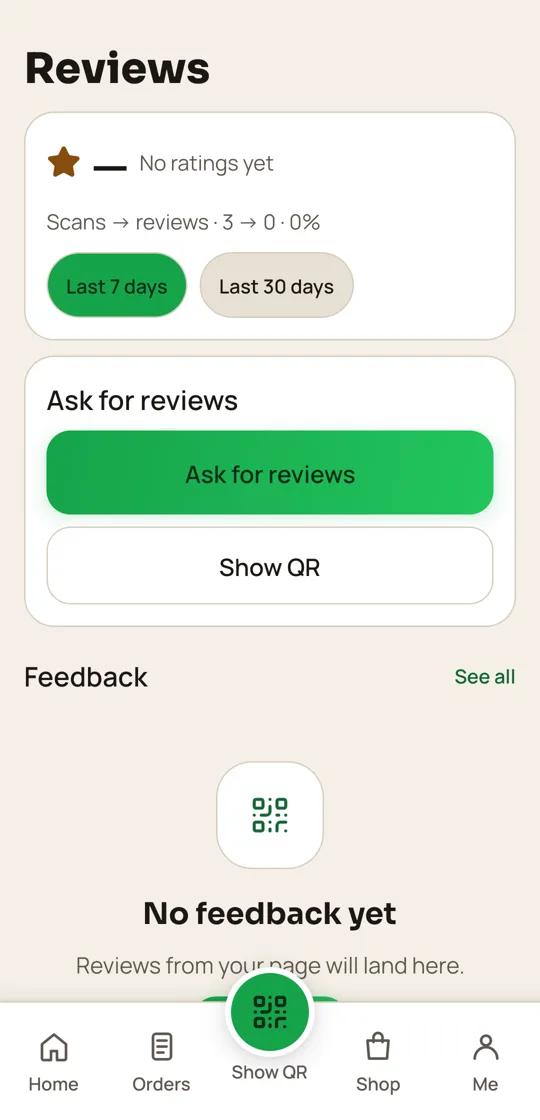
- Invite all clients to a public review and offer private feedback as another option.
 QR24x7 app
MADE FOR THE WAY YOU WORK
A QR page that fits your salons
Route appointment requests to your salon's WhatsApp number.
Invite all clients to a public review and offer private feedback as another option.
HOW IT WORKS
From your page to your customers
- 01
List your services
Add service names, descriptions, starting prices and appointment notes.
- 02
Set contact details
Add your location, hours, phone and a WhatsApp number checked by your team.
- 03
Put QR at reception
Let walk-in clients scan or tap to open your service list and review link.
- 04
Follow requests
Reply to enquiries on WhatsApp and update the service list as your menu changes.
PLAN FOR YOUR WORKFLOW
Free plan
Includes Google reviews, which match this page's workflow.
₹0 / startingView plan ↗
FAQ
Common questions
Does the page confirm appointments automatically?
No. It sends clients to your WhatsApp contact so your salon can check availability and confirm.
Can I show starting prices?
Yes. Add a clear starting price and explain when a consultation or hair length affects the final quote.
Can each branch have its own page?
Yes. Set up separate business locations and use a QR for each branch.
How should I ask for reviews?
Invite every client to leave a public review. Do not offer rewards or ask only clients who rate highly.
Set up a QR page for your salons
Bring your menu, contact details and public review link together.
Start free ↗