
Organise groceries and update prices as stock changes.
FOR YOUR BUSINESS
QR catalogue and WhatsApp orders for kirana stores
Make your everyday grocery list easy to browse on a phone. Customers can check products and prices, then send an order enquiry to your shop on WhatsApp. You confirm stock, substitutions, delivery area and payment directly with them.
- Organise groceries and update prices as stock changes.
- Let nearby customers send their list to your shop on WhatsApp.
- Keep control of customer conversations and your store identity.
 QR24x7 app
MADE FOR THE WAY YOU WORK
A QR page that fits your kirana stores
Let nearby customers send their list to your shop on WhatsApp.
Keep control of customer conversations and your store identity.
HOW IT WORKS
From your page to your customers
- 01
Add key items
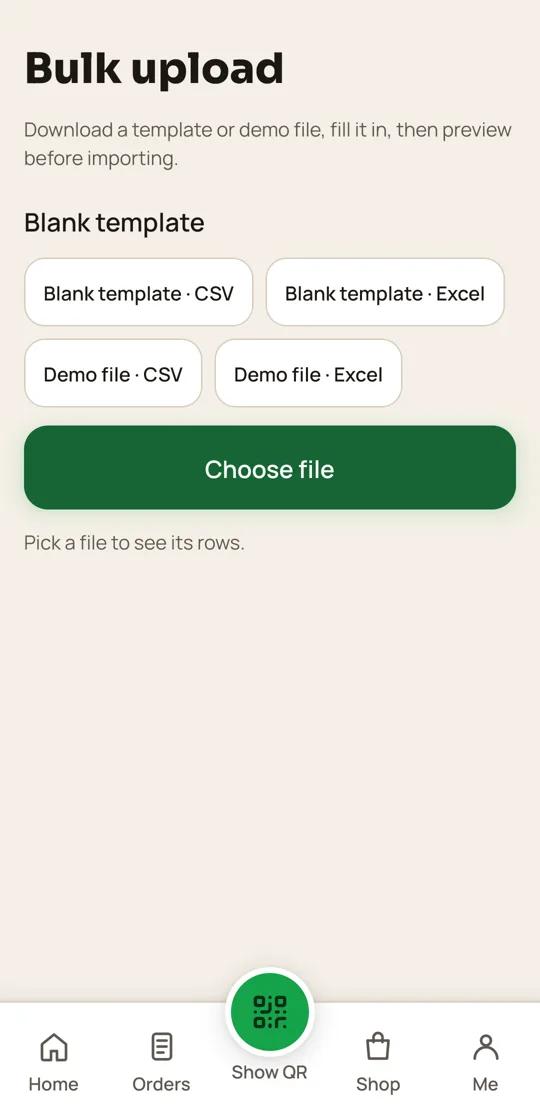
Start with frequently requested goods, pack sizes and prices; use bulk upload for larger catalogues.
- 02
Set order boundaries
Add your WhatsApp contact and explain delivery radius, minimums and payment methods.
- 03
Share the shop QR
Place a QR at the counter or on a bag so returning customers can open your page.
- 04
Confirm each order
Check stock and substitutions with the customer before preparing the basket.
PLAN FOR YOUR WORKFLOW
Growth plan
Includes digital menus and WhatsApp ordering, which match this page's workflow.
₹999 / startingView plan ↗
FAQ
Common questions
Can customers pay in the catalogue?
The QR24x7 catalogue links customers to your WhatsApp. You agree payment and delivery details directly.
Can prices be updated quickly?
Yes. Edit items in the app or use a supported bulk upload to keep the list current.
Does the page promise live stock?
No. Confirm availability and substitutions with each customer before accepting an order.
Can customers leave a public review?
Yes. Every customer can open your public review link and anyone can also share private feedback.
Set up a QR page for your kirana stores
Bring your menu, contact details and public review link together.
Start free ↗