
Keep clinic hours, location and phone details together.
FOR YOUR BUSINESS
A clinic information and review page with QR
Give patients a simple place to check clinic hours, location, contact details and appointment options. Share practical visit information and let every patient access the public review link; private feedback is available alongside it.
- Keep clinic hours, location and phone details together.
- Let patients contact reception to ask about appointments.
- Use neutral service information; do not publish patient details or promise medical outcomes.
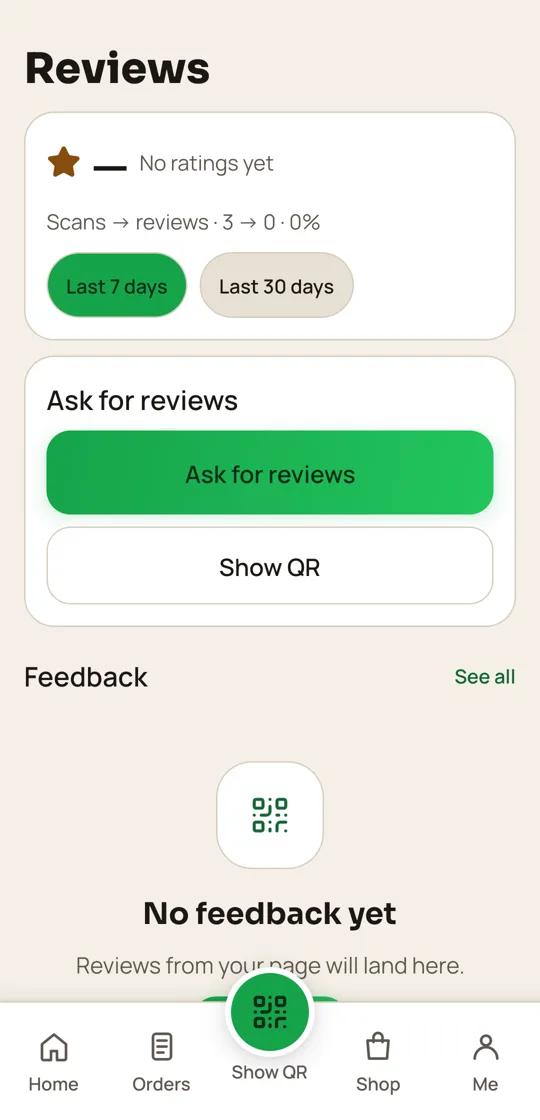 QR24x7 app
MADE FOR THE WAY YOU WORK
A QR page that fits your clinics
Let patients contact reception to ask about appointments.
Use neutral service information; do not publish patient details or promise medical outcomes.
HOW IT WORKS
From your page to your customers
- 01
Add clinic details
Enter the clinic name, verified address, hours and reception contact.
- 02
Set up appointment contact
Link the number your staff monitors and explain how to request a visit.
- 03
Display the QR
Place it at reception or on a visit card with a clear note about what the link contains.
- 04
Review and update
Check that hours and contact details remain current; patients can also send private feedback.
PLAN FOR YOUR WORKFLOW
Free plan
Includes Google reviews, which match this page's workflow.
₹0 / startingView plan ↗
FAQ
Common questions
Can patients book an appointment on the page?
The page can direct patients to your reception contact. Your clinic confirms appointments and clinical suitability.
Is patient information collected by the QR?
Scanning opens the clinic page. Do not ask patients to add sensitive health information to public review or feedback fields.
Can clinic hours be changed?
Yes. Edit the business page when hours or contact details change.
Can all patients see the public review link?
Yes. Every patient can open it, and anyone can also send private feedback.
Set up a QR page for your clinics
Bring your menu, contact details and public review link together.
Start free ↗